

Published: Updated: Paul Breitenbach 17 min read


For a business owner, making the decision of cloud vs. on-premises becomes a strategic fork in the road. On-premise can still work, but it comes with a steady stream of costs that fly under the radar and add up over time.
Cloud, on the other hand, can feel like trading one set of problems for another, especially when leaders worry about surprise bills, security, and giving up control. Even with those concerns, the market is moving fast. McKinsey notes that market for cloud infrastructure could reach $3.4 trillion by 2040.
Why the rush? Because for most small businesses, the benefits of cloud have finally outweighed the perceived comfort of control.
Cloud vs On-Premises: A Guide to Making the Right Call
1. The Financial Model: CapEx vs. OpEx
2. Security and Compliance: Control vs. Capability
3. Scalability and Flexibility: The Opportunity Cost of Waiting
4. Reliability and Business Continuity Planning
The Best of Both Worlds: A Hybrid Cloud Strategy
FAQ: Cloud vs. On-Prem for Small Businesses
Cloud vs. On-Premises: A Guide to Making the Right Call
As a Solutions Architect who has guided hundreds of small to mid-sized businesses through this transition, the answer isn't always black and white. This guide breaks down cloud vs. on-prem in plain language to help you decide which model makes sense for your business continuity, your budget, and your future.
1. The Financial Model: CapEx vs. OpEx
The most immediate difference between the two models is how they hit your balance sheet.
On-Premises: The Iceberg of Capital Expenditure (CapEx)
On-premise infrastructure is a capital expenditure (CapEx). You write a large check upfront for hardware, and then you depreciate it over 3 to 5 years.
If your workloads are stable and don't change much, this can be cheaper in the long run. Once the hardware is paid off, your monthly cost drops significantly (excluding power and cooling).
Locking Up Cash In an Asset that Loses Value
However, on-premise ownership is an iceberg. The visible cost is the hardware purchase, but the hidden mass below includes maintenance costs, expenses to power and cool servers, and paying for capacity you don’t use.
Cloud: The Predictable Utility (OpEx)
One of the benefits of cloud is that it turns costs to an operational expenditure (OpEx) model since you only pay for what you consume. IT becomes a predictable monthly utility bill, much like electricity.
Cloud Cost Optimization: Pay for What You Use, When You Use It
When you move to cloud, the provider handles the maintenance, the upgrades, and the infrastructure scalability. You only pay for what you use. Also, if you need to spin down a test environment over the weekend to save money, you can.
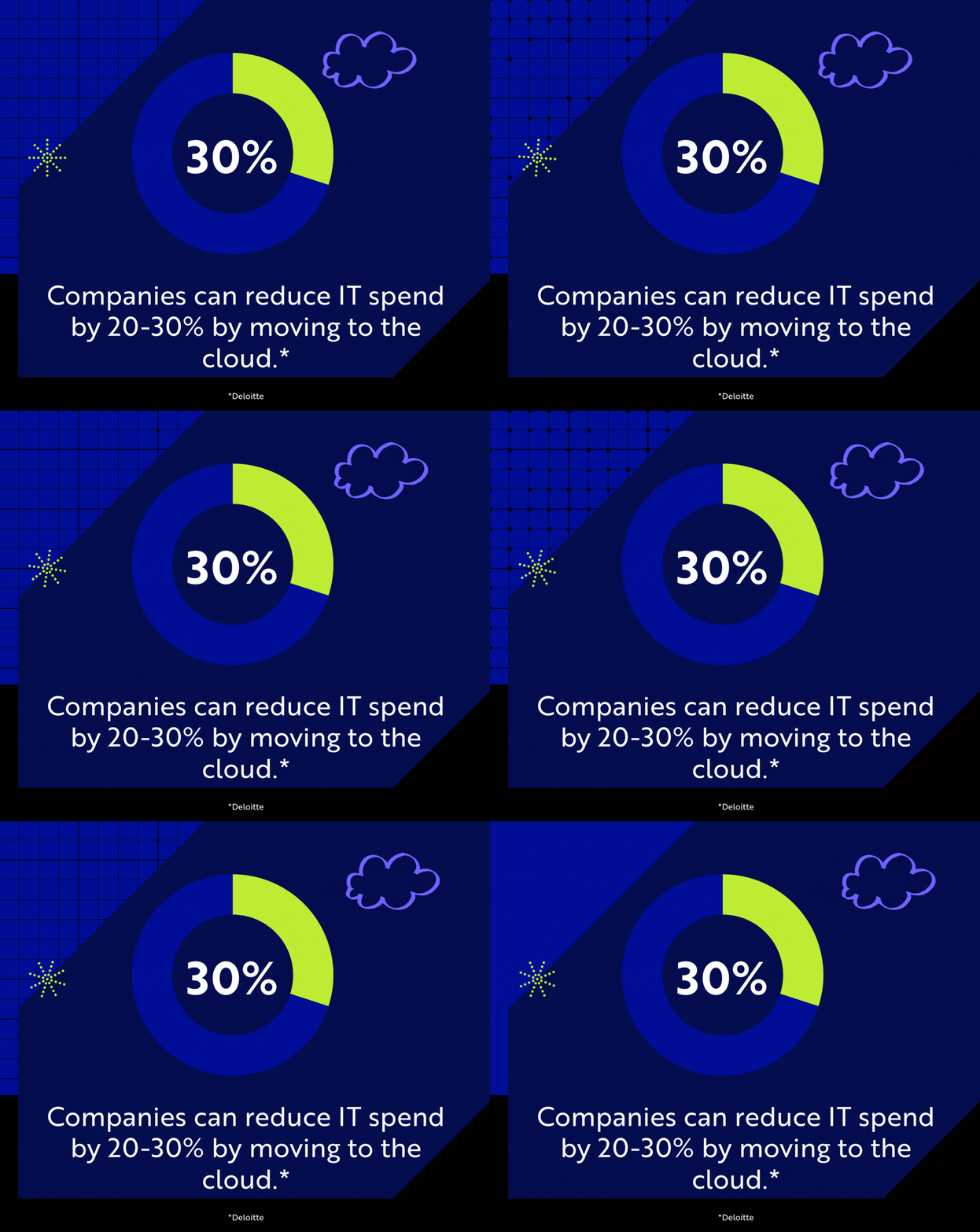
Deloitte notes that companies can reduce IT spend by 20-30% when they move to the cloud, just by eliminating the hardware lifecycle and the zombie servers that consume power without doing any work.
Just keep in mind, the cloud is a perpetual bill. If you don’t manage it wisely with a cloud cost optimization strategy, expenses can creep up.
The OpEx/CapEx TL;DR of Cloud vs. On-Prem:
|
2. Security and Compliance: Control vs. Capability
Security often decides the cloud vs. on-premises debate. It is an area where intuition often conflicts with reality.
On-Premises: 100% Control and 100% Liability
On-premises environments offer direct control over physical infrastructure, firewalls, and access protocols. For organizations in highly regulated industries, knowing exactly which room the data lives in provides peace of mind.
However, maintaining up-to-date internal security requires significant time, investment, and specialized expertise. You are 100% liable for patching every vulnerability. If a drive fails at 3:00 AM, you are the support team.
Cloud: Inheriting a Billion-Dollar Defense Infrastructure
Leading cloud providers (like Microsoft Azure or AWS) offer comprehensive built-in security that small and mid-sized businesses could not afford to build on their own.
Many providers maintain rigorous cloud governance and compliance standards like HIPAA, NIST, and GDPR. While you give up physical control, you gain a level of protection that exceeds what most businesses can manage on-premises.
The Shared Responsibility Model
In the cloud, security is shared. The provider secures the underlying infrastructure, while your business is responsible for configuring and governing what runs on top, like identity and access, data permissions, continuous logging and monitoring, and incident response.
Cloud doesn’t eliminate security work, but it does make it easier to standardize the cloud security best practices that auditors and insurers care about.
- the enterprise price tag.
The Security TL;DR of Cloud vs. On-Prem:
|
3. Scalability and Flexibility: The Opportunity Cost of Waiting
In business, speed is a currency. On-premise infrastructure is inherently slow to change.
On-Premises: The Procurement Lag
Imagine you land a massive new contract that requires doubling your user base or spinning up a new application environment. With on-prem, you have to:
- Spec out new servers.
- Get budget approval.
- Order the hardware (and wait weeks for shipping).
- Install, rack, and configure it.
By the time you are ready, weeks have passed. This procurement lag creates a bottleneck that limits your growth.
Cloud: Scaling at the Speed of Demand
Cloud environments offer unmatched scalability. Need to add 50 users? Click of a button. Need to expand into a new geographic region? Deploy an environment immediately.
This elasticity gives small business teams access to tools and data regardless of device or location, enabling productivity across time zones and business units.
Cloud Scalability: Your Business Moves When the Market Moves
Crucially, the cloud also supports scaling down. In an on-prem world, you are stuck with the hardware you bought. In the cloud, you can reduce costs during off-peak periods.
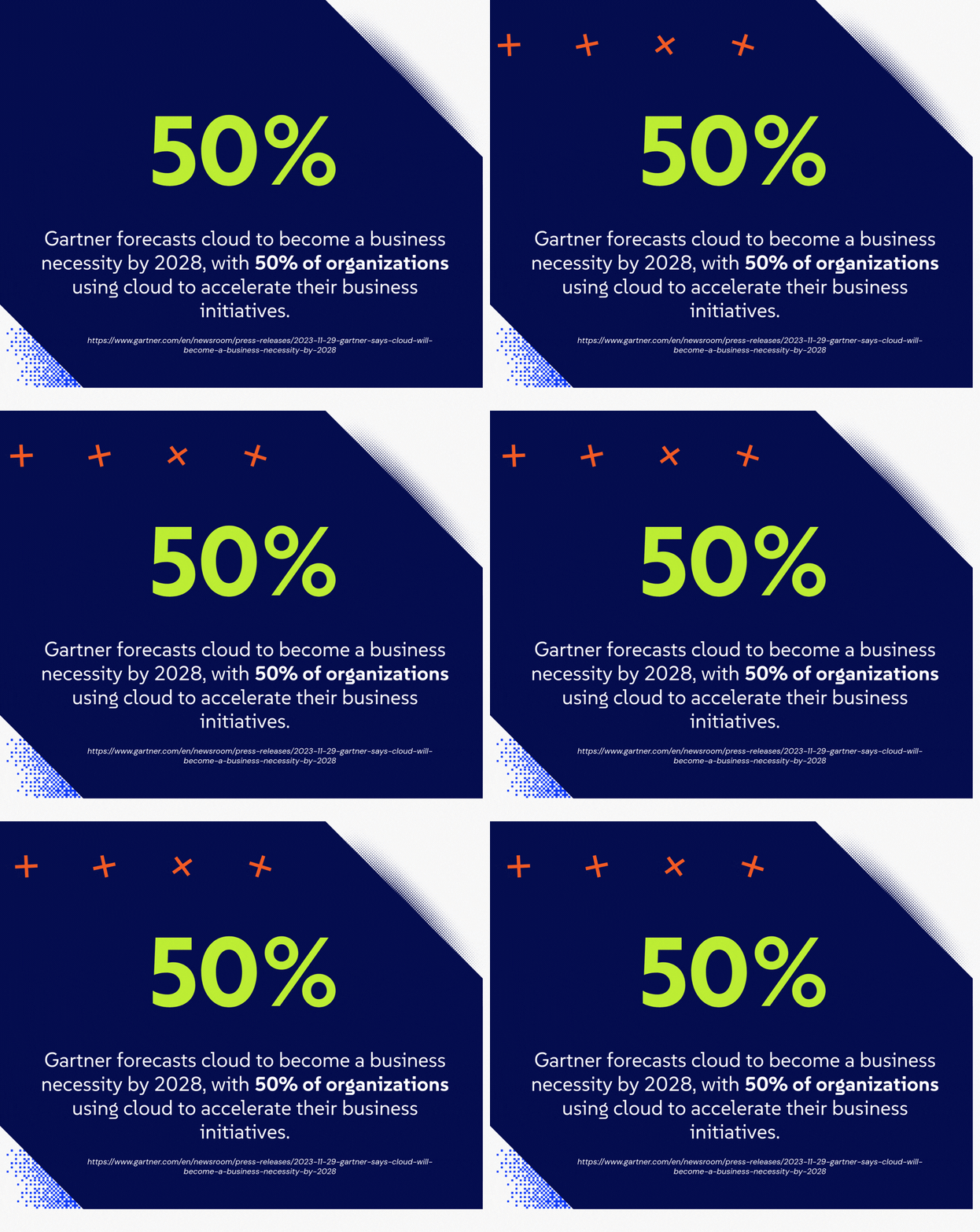
This is one reason cloud adoption continues to grow. Gartner forecasts cloud to become a business necessity by 2028, with 50% of organizations using cloud to accelerate their business initiatives.
The Scalability TL;DR of Cloud vs. On-Prem:
|
4. Reliability and Business Continuity Planning
Most businesses don’t plan to have downtime. They just inherit it. And they pay for it, too. Downtime costs businesses thousands in lost revenue and reputational damage.
On-Premises: The Single Point of Failure
On-premises environments can deliver high performance for localized applications. If you are a manufacturing firm with robotic arms that need sub-millisecond response times, or an architecture firm working with massive CAD files, the cloud might be too slow.
However, on-prem is a physical dependency. A power outage, a failed AC unit, a fire, or even a cut fiber line down the street can take you offline for days.
Cloud: Redundancy by Design
The cloud is built on the concept of geographic redundancy. Your data isn't just in one place; it is replicated across multiple data centers. If one fails, another takes over instantly.
In fact, research shows that cloud-enabled companies recover from outages four times faster than on-premise companies. Furthermore, because the systems aren't in your office, your team can keep working from home, a coffee shop, or a temporary site without missing a beat.
The main tradeoff with cloud is performance for certain legacy workloads. Some older, latency-sensitive applications may run best on local hardware, since accessing large files over the internet can be slightly slower than pulling them from a local server.
The Reliability TL;DR of Cloud vs. On-Prem:
|
The Best of Both Worlds: A Hybrid Cloud Strategy
For many small and mid-sized businesses, the cloud vs. on-premises decision does not have to be all-or-nothing. In fact, many growing businesses have found success with a hybrid cloud strategy.
What Is a Hybrid Cloud and Why Use It?
A hybrid approach allows businesses to keep specific workloads local while migrating others to the public cloud. Heavy, performance-dependent applications stay on-premises to guarantee low latency and strict compliance. Meanwhile, tools that thrive on scale and accessibility, such as email, collaboration platforms, backups, and identity management, move to the cloud.
Ultimately, a hybrid cloud strategy delivers the best of both worlds. It provides the physical control of traditional IT alongside the flexibility of modern cloud computing.
A Cloud vs. On-Prem Checklist for Business Owners
If you’re weighing cloud vs. on-prem, use this quick checklist to guide a clear recommendation to your leadership team.
Choose cloud if:
- You need stronger business continuity and want to reduce single-building risk.
- Your team spends too much time on patching, backups, hardware issues, and maintenance.
- You want to scale fast (new hires, new locations, seasonal demand) without waiting on hardware.
- Security and compliance requirements are increasing, and you need better identity controls, logging, and audit evidence.
- You want a cleaner foundation for automation and AI readiness.
- You prefer OpEx flexibility over large CapEx refresh cycles, and you’re willing to govern spend with budget alerts.
- You need to support distributed and remote work teams.
Choose on-premises if:
- You run workloads that require ultra-low latency or must stay close to physical equipment (manufacturing, medical devices, specialized on-site systems).
- You have stable workloads and already own modern hardware that’s fully depreciated and well-managed.
- You have in-house capability to maintain patching, monitoring, backups, disaster recovery testing, and security controls consistently.
- You need local control for a specific legacy application that can’t be migrated or refactored soon.
- Internet reliability is a consistent challenge, and you can’t risk workflow disruption without additional connectivity planning.
Choose hybrid if:
- You want cloud benefits without a big-bang migration.
- Some legacy apps need time to modernize, but you can move fast on email and collaboration tools, backups and disaster recovery, security monitoring, and file sharing.
- You need to reduce risk now while the business transitions in phases.
- You want to keep a small set of systems on-prem for operational reasons while shifting everything else to the cloud over time.
- You’re working toward long-term simplification but need a practical bridge to get there.
Co-Managed IT Services: A Partnership, not a Takeover
Regardless of which path you choose, the business still needs the same outcomes: high performance, low risk, predictable costs, and a technology environment that doesn’t drain internal bandwidth.
That’s where a strategic partner earns their keep. A managed services provider (MSP) brings structure to the work and helps keep day-to-day operations stable while modernization moves forward. An MSP helps by:
From Roadmap to Reality for your IT Strategy
CompassMSP supports small and mid-sized businesses across on-prem, hybrid, and cloud environments with end-to-end guidance and execution, from strategy and migration planning to security, monitoring, and continuous optimization.
If you’re weighing cloud vs. on-prem (or planning a hybrid approach), reach out to the CompassMSP team to talk through your environment and map the best path forward.
FAQ: Cloud vs. On-Prem for Small Businesses
Is cloud or on-prem better for a small business?
For most small businesses, cloud or hybrid is usually the better fit because it reduces risk, improves resilience, and offloads infrastructure maintenance. On-prem can still make sense for specialized workloads that need ultra-low latency, must stay close to on-site equipment, or rely on legacy systems that aren’t ready to modernize.
How does cloud improve business continuity?
Cloud improves business continuity by reducing dependency on a single physical location. Data and systems can be backed up and replicated across geographically separate facilities, so an outage at the office doesn’t automatically stop operations.
How does cloud reduce downtime?
Cloud reduces downtime by enabling redundancy and faster recovery. Instead of waiting on replacement hardware or rebuilding servers after a failure, cloud environments can fail over to healthy resources, restore itself from snapshots, or spin up replacements quickly.
How do you control cloud costs?
Cloud costs stay predictable when you manage cloud spend like an operating budget. That means setting budgets and alerts, right-sizing resources, shutting down non-production systems when not in use, and reviewing usage regularly.
Is cloud security better than on-prem security?
It can be, especially for baseline controls like identity, centralized logging, patching, and policy enforcement, but it depends on execution. Cloud security is a shared responsibility: the provider secures the underlying infrastructure, while the business is responsible for configuring access, data controls, monitoring, and response. On-prem can be secure too, but it requires consistent staffing, tooling, and discipline that many small teams struggle to maintain.
Does moving to the cloud reduce IT workload?
In most cases, yes, but it changes the workload more than it eliminates it. Cloud reduces the time spent on maintaining physical infrastructure. That frees IT to focus on higher-value work like governance, security improvements, and automation.
What happens if my internet goes down?
This is the biggest risk of the cloud. However, with modern SD-WAN technology, you can bond multiple internet connections (Fiber, Cable, 5G/Starlink) together. If the main line is cut, the backup takes over instantly.
Do I need an MSP if I move to the cloud?
While you can manage it yourself, partnering with an MSP ensures consistent, reliable support. An MSP handles security, updates, and monitoring, so your internal team can focus on growth. Whether you need a co-managed or fully managed IT support model, CompassMSP meets you where you’re at.

Paul Breitenbach
With nearly 20 years of experience designing enterprise-grade IT solutions, Paul specializes in supporting organizations that cannot afford downtime. Before becoming our CIO, he served as CIO of WorldwideIT, a Compass company, where he led large-scale infrastructure, cloud, and security initiatives for highly regulated industries.