

Published: Updated: Paul Breitenbach 13 min read


You have been handed a critical assignment: "Fix our IT problem."
Whether you are a Controller looking to stabilize a volatile budget or an Office Manager tired of hearing complaints about slow response times, the pressure is on you to find a solution that works. But as you research potential partners, you are likely hitting a wall of acronyms and confusing service tiers.
You aren’t just looking for someone to fix printers. You are looking for a partner who can guarantee operational maturity, reduce risk, and prove their value to your executive team.
Realistically, the solution for mid-sized businesses almost always comes down to two distinct IT support models: Fully Managed IT and Co-Managed IT.
Choosing the right one is the difference between a technology strategy that powers your growth and a "break-fix" band-aid that bleeds your budget. This guide cuts through the noise to help you determine which model aligns with your internal capabilities, your financial goals, and your company's future.
The Core Difference: Ownership vs. Partnership
Model 1: Fully Managed IT (The "Autopilot" Approach)
Model 2: Co-Managed IT (The "Force Multiplier" Approach)
Comparative Data: The ROI of Outsourcing
The Core Difference: Ownership vs. Partnership
Make the Decision: A Checklist for Evaluators
Frequently Asked Questions About IT Support Models
The Core Difference: Ownership vs. Partnership
Before we evaluate the benefits, let’s define the fundamental distinction between these two IT support models.
-
Fully Managed IT: The MSP (Managed Services Provider) acts as your entire IT department. They handle everything from IT helpdesk and user support to strategic vCIO planning, cybersecurity, and cloud infrastructure. You have no internal IT staff to manage.
-
Co-Managed IT: You retain your existing internal IT staff (whether it’s a single IT Director or a small team), and the MSP partners with them to fill specific gaps. This is a "hybrid" model where the MSP handles heavy lifting—like 24/7 monitoring, patching, or complex security projects—allowing your internal team to focus on institutional knowledge and strategic initiatives.
Model 1: Fully Managed IT (The "Autopilot" Approach)
In this model, you outsource 100% of your technology management. This is the most common model for businesses with 10 to 150 employees who do not want the burden of recruiting, training, and managing expensive technical talent.
Who This Is For
-
Organizations with no internal IT staff.
-
Rapidly growing companies that need to scale support instantly without waiting to hire.
-
Leaders (CFOs/COOs) who want a single, accountable line item for all technology costs.
The Strategic Business Case
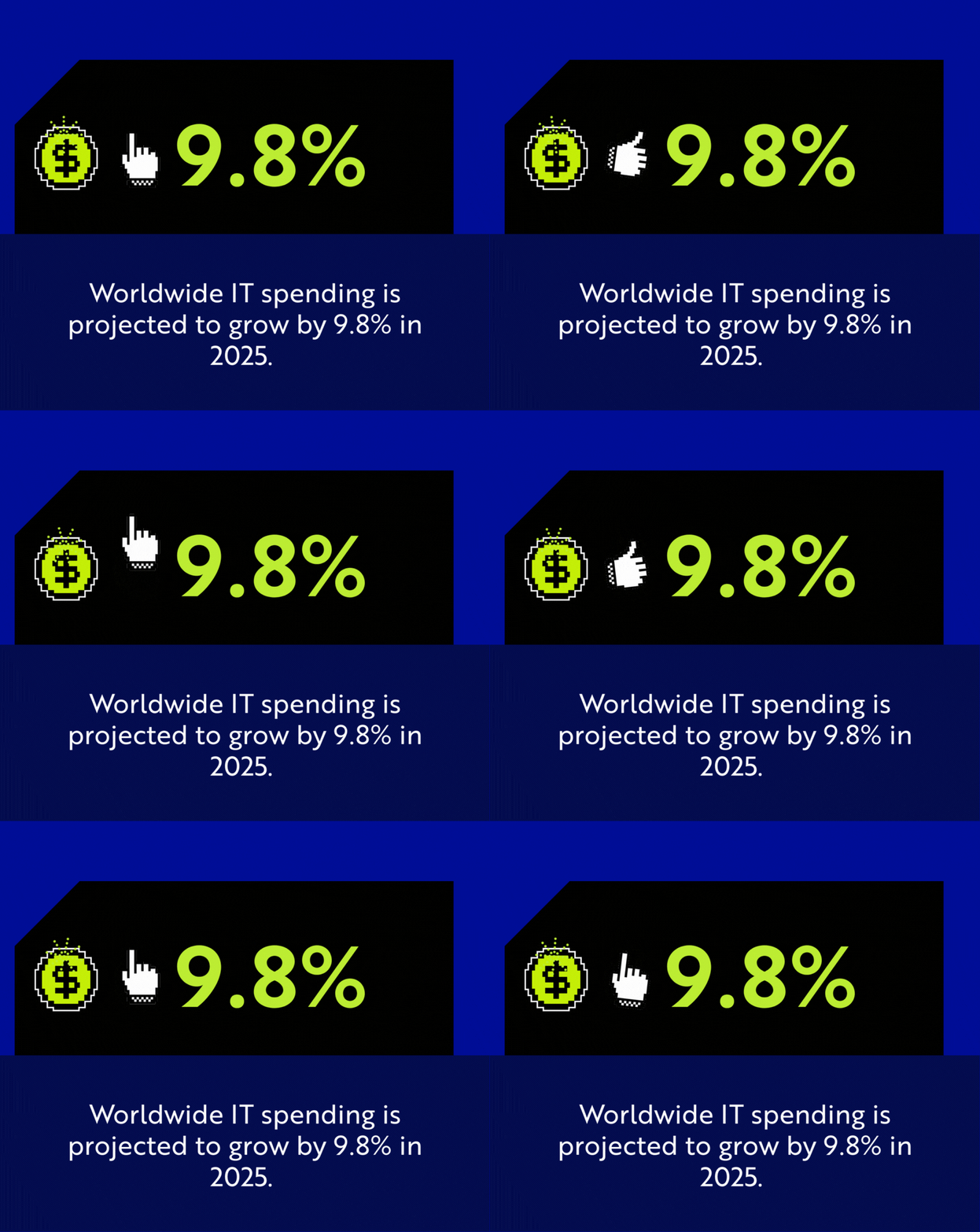
Data from 2024 and projections for 2025 indicate a massive shift toward this model for growing businesses. According to Gartner’s 2025 forecast, worldwide IT spending is projected to grow by 9.8%, a trend mirrored in the small and mid-sized business sector as leaders move to close critical security gaps that small internal teams simply cannot handle.
Primary Benefits:
-
Instant Access to Deep Expertise: You don’t just get a "computer guy"; you get a team of subject matter experts in cybersecurity, cloud, and compliance.
-
Cost Efficiency: For a company with ~50 users, a fully managed agreement is often 40-60% less expensive than the loaded cost of hiring a comparable internal team (IT Manager + L1 Tech + Tools).
-
24/7/365 Coverage: Illness, vacations, and turnover no longer threaten your uptime.
What to Watch Out For
When evaluating a Managed Services Provider, ensure their scope is transparent. Some legacy providers still charge extra for "out of scope" onsite visits.
Related Resource: Not all providers offer the same security depth.
Read our guide on MSP vs. MSSP: Key Differences and How to Choose to understand the security layers you should expect.
Model 2: Co-Managed IT (The "Force Multiplier" Approach)
Co-managed IT (sometimes called Co-MIT) is designed for businesses that already have an IT leader but are facing "capacity burnout." Your internal IT Director knows your business processes intimately but is likely drowning in password resets, printer issues, and patch management, leaving them no time for high-value strategy.
Who This Is For
-
IT Directors or Managers who are stretched thin and need "boots on the ground" support.
-
Mid-sized firms (50-300 employees) where one IT person cannot possibly cover 24/7 security monitoring.
-
Compliance-heavy industries (Legal, Healthcare, Finance) that need an external specialized security team to validate their internal controls.
The Strategic Business Case
Recent industry reports highlight that access to expertise is now the #1 driver for outsourcing, surpassing cost savings. A co-managed model allows you to inject high-level capabilities (like a SOC or advanced cloud architecture) into your business without hiring a full-time, six-figure architect.
Primary Benefits:
-
Burnout Prevention: By offloading the repetitive "grunt work" (tier 1 helpdesk, patching, backups) to the MSP, your internal lead is freed up to drive business innovation.
-
Tool Stack Access: You gain access to the MSP’s enterprise-grade toolset (ticketing systems, RMM, EDR security tools) which would be prohibitively expensive to license independently.
-
Continuity: If your internal IT manager leaves, you don’t lose all your institutional knowledge or support capability overnight. The MSP acts as a safety net.
Expert Insight: Many organizations use Co-Managed IT specifically to bolster their security posture.
For a deep dive on what your internal team might be missing, review The IT Director’s Definitive Cybersecurity Playbook.
Comparative Data: The ROI of Outsourcing
When you are tasked with researching vendors, data is critical for getting leadership buy-in. Below are key metrics verified by recent industry studies (CompTIA, Gartner, and market analysis) regarding outsourced IT benefits:
| Feature | In-House Team Only | Fully Managed IT | Co-Managed IT |
| Cost Model | High Fixed Cost (Salaries, Benefits, Training) | Predictable Monthly OpEx | Shared Cost (Salary + Service Fee) |
| Availability | 8 am - 5 pm (Limited by staff size) | 24/7/365 | 24/7 Monitoring + Internal Hours |
| Skill Set | Limited to the individual's knowledge | Collective expertise of 100+ engineers | Hybrid: Internal context + External depth |
| Tool Costs | Paid separately (RMM, Antivirus, Ticketing) | Included in Service Fee | Often Included (Shared Toolkit) |
| Scalability | Slow (Must hire/fire) | Instant (Add users to contract) | Flexible (Scale external support up/down) |
The Evidence Behind the Efficiency
For researchers and finance leaders validating these models, the "build vs. buy" calculation is supported by current market data. We have synthesized key findings from top industry reports to benchmark the true cost of internal IT versus a partnership model.
-
The High Cost of Internal Hiring: According to the Robert Half 2025 Technology Salary Guide, the average starting salary for a qualified IT Manager now ranges between $110,000 and $160,000. This is a fixed "salary-only" cost that does not include benefits, taxes, or the estimated $15,000–$20,000 annual spend required for a professional software tool stack (ticketing, RMM, documentation).
-
The "Skills Gap" Driver: Data from the CompTIA IT Industry Outlook 2024 confirms that the primary driver for outsourcing is no longer just cost reduction, but the skills gap. Mid-sized businesses simply cannot recruit or retain the specialized cybersecurity and cloud architects that an MSP employs at scale.
-
The Efficiency of Bundled Tools: The Kaseya 2024 Global MSP Benchmark Survey highlights that the "economies of scale" provided by an MSP allow growing businesses to access enterprise-grade security and management tools for a per-user fee that is often lower than the licensing cost of purchasing those tools independently.
-
The Market Trajectory: Investment in technology is not slowing down. Gartner’s 2025 Forecast projects worldwide IT spending to grow by 9.8%, indicating that competitive organizations are aggressively funding IT modernization. The differentiator is that high-performing companies are spending on strategic capabilities (outsourced expertise), not just headcount.
Make the Decision: A Checklist for Evaluators
If you are currently vetting providers, use this simple decision matrix to guide your recommendation to the executive team:
Choose Fully Managed IT if:
-
You currently have 0 IT staff, or your "accidental techie" needs to go back to their real job.
-
You want to transfer 100% of the cybersecurity risk and operational burden to a partner.
-
You need a predictable budget without surprise hiring costs.
Choose Co-Managed IT if:
-
You have a talented IT leader who is bogged down by low-level support tickets.
-
You need to keep specific data or proprietary app management in-house for regulatory reasons.
-
You want to augment your team’s capabilities (e.g., adding 24/7 security monitoring) without adding headcount.
The CompassMSP Promise
At CompassMSP, we don’t force you into a box. Whether you need us to be your IT department or support your IT department, our Managed IT Support services are built on the same foundation: operational maturity, security-first architecture, and a "people-first" approach to service.
Ready to stabilize your IT costs and improve performance?
Explore Our Managed IT Support Services

Paul Breitenbach
With nearly 20 years of experience designing enterprise-grade IT solutions, Paul specializes in supporting organizations that cannot afford downtime. Before becoming our CIO, he served as CIO of WorldwideIT, a Compass company, where he led large-scale infrastructure, cloud, and security initiatives for highly regulated industries.