

Published: Updated: Brian Bennet 7 min read


For most IT Directors at growing businesses, regular software updates feel like background noise. They are necessary, but rarely urgent. Firewalls, endpoint protection, identity controls, and incident response plans tend to get more attention. Updates often wait for their turn behind help desk tickets, infrastructure work, and project deadlines.
That delay is understandable. Bandwidth is limited, updates can break things, and the downtime is risky. This perspective, however, misunderstands the role of patching in a modern risk-based cybersecurity strategy. It’s also more dangerous than applying the updates themselves.
Unpatched software vulnerabilities remain one of the most common and preventable causes of cyber incidents. Most attacks don’t rely on exotic zero-day exploits. They succeed by taking advantage of known weaknesses that already have fixes available.
Regular software updates aren’t just routine maintenance. They are a critical risk-reduction control. And for small businesses, they may deliver the highest return of any security investment.
The Hard Truth: Most Breaches Exploit Unpatched Software
Why Patch Gaps Hit Small Businesses Harder
The Cost of Delay Is Higher Than the Cost of Downtime
How Small Businesses Can Overcome Patch Management Hurdles
Turn Patching into a Business Risk Control
When You Can’t Hire a Full-Time CISO
Reduce Your Attack Surface with Proactive Maintenance
Frequently Asked Questions About Software Updates and Cybersecurity
This article explains why updates matter, how attackers exploit patch delays, and how IT leaders can operationalize updates without overwhelming already stretched teams.
The Hard Truth: Most Breaches Exploit Unpatched Software Vulnerabilities
A common misconception is that cyber attacks require advanced tooling or elite technical skills. The truth is that the common denominator in most data breaches is the failure to patch
The Verizon 2023 Data Breach Investigations Report found that attackers routinely exploit unpatched software vulnerabilities that are months or even years old, especially in internet-facing systems and widely used platforms.
Similarly, CISA continues to report that the majority of exploited vulnerabilities appear on its Known Exploited Vulnerabilities (KEV) catalog well after patches are available. Attackers don’t need to innovate when defenders haven’t updated.
From a CISO perspective, this reframes patching as a risk acceptance decision. When updates are delayed, the organization knowingly accepts exposure to documented threats.
Why Patch Gaps Hit Small Businesses Harder
Large enterprises often have dedicated vulnerability management teams. Small businesses rarely do. That imbalance makes update delays more dangerous.
Several factors compound the risk:
- Lean IT teams juggling multiple roles
- Legacy systems that complicate operating system security updates
- Downtime sensitivity that discourages frequent changes
- Limited visibility into asset inventory and software versions
According to PwC, attackers increasingly target small business cybersecurity risks because patching and vulnerability remediation are inconsistent. Once attackers gain a foothold through unpatched systems, lateral movement becomes easier. Credential theft, ransomware deployment, and data exfiltration often follow.
This is not a tooling problem. It is an IT security prioritization problem.
The Cost of Delay Is Higher Than the Cost of Downtime
Downtime is visible. Breaches are existential.
The IBM Cost of a Data Breach Report estimates the average breach cost at $4.4 million globally, with recovery time measured in months, not hours.
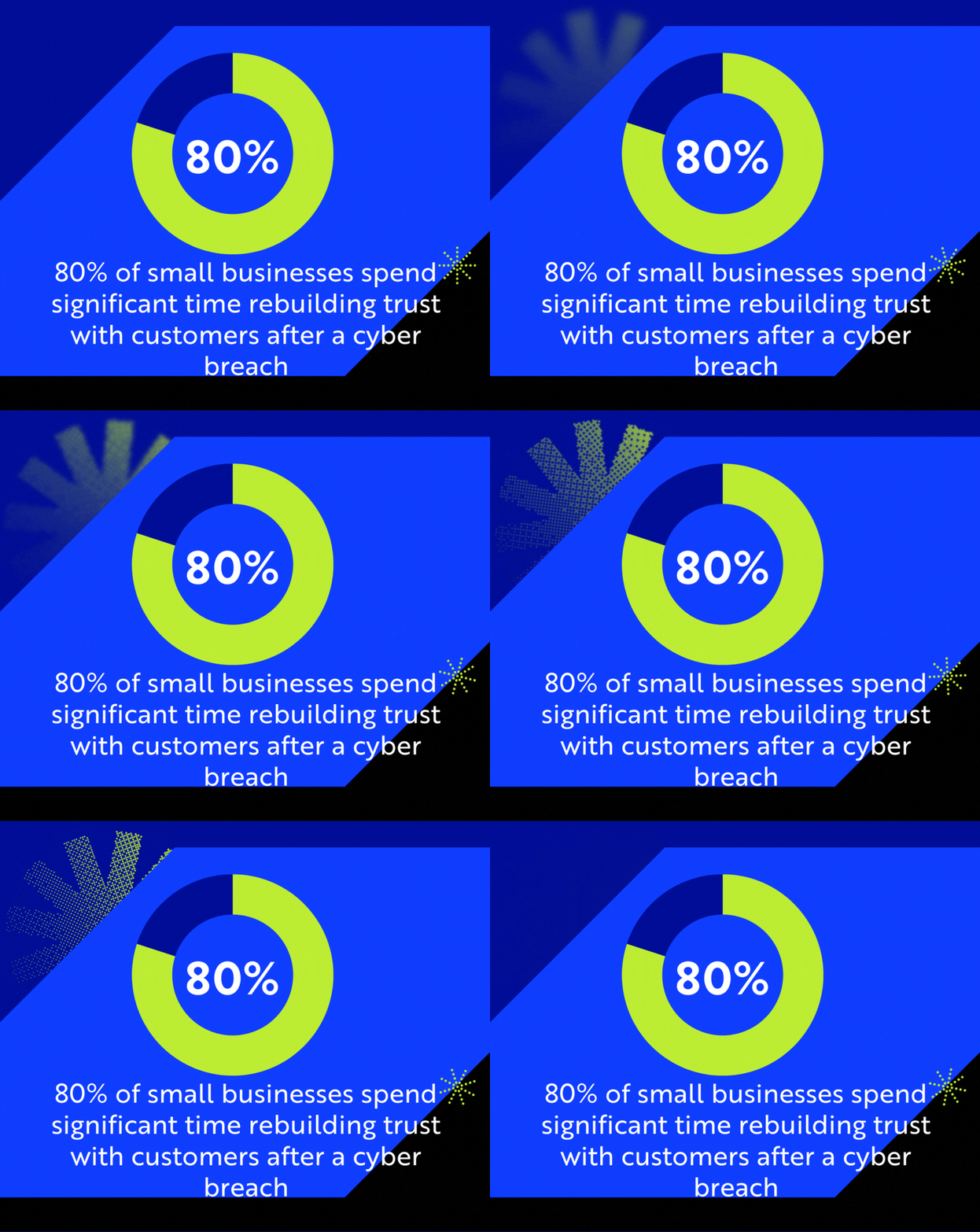
For small businesses, the impact of a cyber attack is even more severe than for large organizations. Research shows that after a cyberattack, 80% of small businesses spend significant time rebuilding trust with customers, partners, and other key stakeholders, while 20% ultimately file for bankruptcy or shut down entirely.
A planned maintenance window is cheaper than an unplanned incident response.
How Small Businesses Can Overcome Patch Management Hurdles
Patching can consume time, cause conflicts with legacy software, and risk downtime. Updating everything immediately is unrealistic. The goal for IT Directors should be consistency, not perfection.
1. Risk-Based Prioritization
Not all patches are created equal. Prioritizing every single update is a poor use of limited resources. A patch management strategy for IT directors should focus efforts on where the risk is greatest.
- Criticality: Prioritize patches for systems with the highest exposure (internet-facing servers, email systems, firewalls) and those that handle sensitive data.
- Exploitation Status: Consult resources like the CISA Known Exploited Vulnerabilities Catalog. If a vulnerability is actively exploited in the wild, its patch moves to the top of the queue, regardless of the system's perceived importance.
- Data Sensitivity: Prioritize endpoint security updates and patches for systems that house regulated data (e.g., HIPAA, PCI DSS).
2. Automation is Not Optional
Relying on manual processes to install IT security updates on hundreds of endpoints is unsustainable. It guarantees human error, delays, and gaps in coverage. An effective strategy uses automated tools for deployment, validation, and reporting.
Automation ensures:
- Consistency: Every endpoint, server, and network device is managed identically.
- Speed: Patches are deployed within hours or days, minimizing the exposure window.
- Compliance: Comprehensive reporting provides the audit trail required for regulatory bodies.
3. The Test and Rollout Strategy
The fear of a patch breaking a critical business application is the primary reason for delaying security patches. This can be mitigated through a structured approach:
- Pilot Group: Deploy the patch to a small group of non-critical, representative endpoints (the "canary group").
- Monitor: Closely monitor the pilot group for application crashes or system instability for a defined period.
- Wider Rollout: If testing is successful, automate the broader deployment to the entire organization.
Turn Patching into a Business Risk Control
For organizations operating in regulated industries, security patching compliance is a mandatory control. Failure to adhere to standards can lead to severe penalties.
Alignment with Key Frameworks
Comprehensive patch management directly addresses requirements in all major security frameworks:
- NIST Vulnerability Management: Requires timely installation of security-relevant software updates to stay compliant with the complex NIST framework.
- PCI DSS: Mandates that all system components be protected from known vulnerabilities by implementing the latest vendor-supplied security patches within a month of release.
- HIPAA Security Updates: Requires organizations to implement procedures to identify and protect against malicious software, which inherently involves patching against known exploited vulnerabilities.
- CMMC Vulnerability Management: Requires the organization to establish a systematic program to identify, report, and correct system flaws in a timely manner.
By making regular patching and vulnerability management a governance priority, you shift the conversation from a technical task to a critical business risk control.
When You Can’t Hire a Full-Time CISO
As an IT Director at a small business, you are constantly battling limited resources. The expertise and dedicated time required for 24/7 vulnerability management, especially across diverse environments (cloud, on-premise, mobile), exceed your team’s capacity.
Outsourcing the Heavy Lifting of Security Hygiene
Partnering with a managed service provider (MSP) that specializes in cybersecurity and compliance allows an IT Director to offload the repetitive, high-volume task of software lifecycle and security risk management.
A co-managed solution provides:
- 24/7 Monitoring: Constant scanning for newly released patches and zero-day disclosures.
- Automated Deployment: Tools and expertise to deploy and validate patches across the entire infrastructure securely.
- vCISO Advisory: Executive-level guidance to prioritize patching based on real-world threat intelligence and compliance mandates, ensuring the internal team focuses only on the highest-risk remediation.
This strategic partnership takes patch management from being a reactive, resource-draining chore into a proactive, automated layer of proactive cybersecurity maintenance. It helps your organization maintain strong security hygiene without burdening the IT project backlog.
Reduce Your Attack Surface with Proactive Maintenance
Cyber attacks on outdated systems remain the easiest and most profitable route for criminals
Regular software updates are not glamorous. They don’t sell well internally. But they quietly remove the most common paths attackers use to get in.
For IT Directors managing limited resources, updates offer rare leverage. They reduce risk, support compliance, and strengthen resilience without massive investment.
The organizations that treat patching as a strategy, not chores, recover faster. And they get breached less often.
If patching keeps slipping behind higher-priority work, Compass MSP can help you carry out software updates with vCISO guidance and co-managed security support.

Brian Bennet
Brian is a Security Architect at CompassMSP and military combat veteran with 22 years of IT experience spanning the public sector, government contracting, managed services, and executive cybersecurity leadership. He has served as an Information Systems Security Manager for a global aerospace company—where he secured classified and unclassified assets under NISPOM, NIST, and ITAR frameworks and established a classified asset security program from conception through ATO—as well as a vCIO and CISO/vCISO, guiding organizations ranging from 10 to over 1,000 employees through security strategy, framework implementation, audits, and incident response engagements including ransomware events. Brian holds certifications from ISC2, Cisco, Microsoft, VMware, and CompTIA, and draws on his progression from hands-on engineering to the C-suite to drive meaningful security conversations.