

Published: Updated: Brian Bennet 6 min read


Phishing attacks happen every day. The shift to remote work gave hackers even more opportunities to trick people. You might have seen these emails in your own inbox. They look real, but they are dangerous traps.
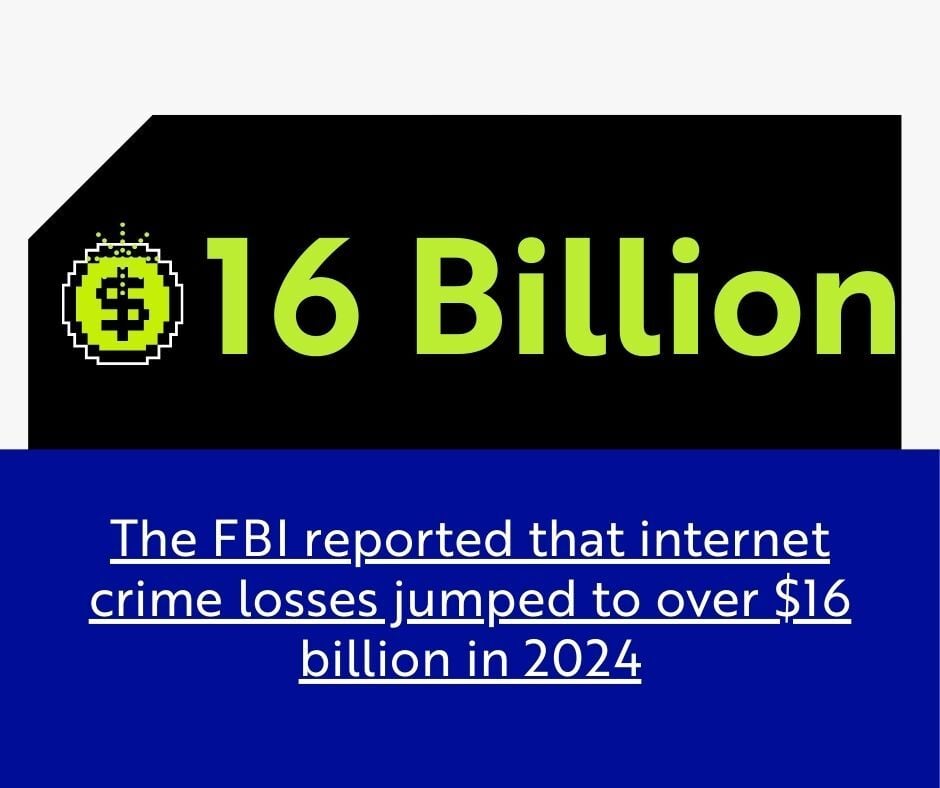
The numbers are alarming. The FBI reported that internet crime losses jumped to over $16 billion in 2024. Phishing remains the top crime type by far.
We can help you spot them. Here is how you identify a phishing email and what you should do about it.
The New Threat: AI and Deepfakes
What to Do If You Get a Phishing Email
What is Phishing?
Fishermen dangle bait to catch a meal. Hackers dangle bait to catch your personal information.
Phishers pretend to be friends, family, or big companies. They might even look like your bank. They use this disguise to make you an offer or a threat. They want you to pay attention.
The hacker wins if you take the bait. They steal your money, grab your data, or trick you into downloading a virus.
How Phishing Works
Attacks start with a lie. The email asks you to click a link or download a file. The message might promise money, offer a job, or claim you missed a payment.
Bad links are common. You click the link, and it takes you to a fake website. The site looks real, but the hacker controls it. They capture everything you type.
Attachments are also dangerous. You open the file, and it installs malicious software on your computer.
The New Threat: AI and Deepfakes
Hackers now use artificial intelligence to make their attacks better. They use AI tools to write emails with perfect grammar. This makes them much harder to spot than the old scams full of typos.
They also use "deepfakes." This technology allows them to clone voices or create fake videos of real people. A hacker could call you and sound exactly like your CEO asking for a wire transfer. Reports show deepfake incidents have skyrocketed by over 1700% recently.
You can learn more about how to protect your business from these advanced attacks in our article on AI-generated deepfakes.
3 Common Types of Phishing Attacks
1. Deceptive Phishing This is the most common type. Attackers steal confidential info. They use that data to steal money or launch more attacks.
2. Spear Phishing Hackers target specific people here. They research you on social media first. Then they customize the message so it feels real.
3. Whaling Attackers go after big targets, like a CEO. They spend time profiling the target to steal login details. This hurts businesses because executives have access to sensitive company data.
How to Spot a Phishing Email
Skepticism is your best defense. Hackers want you to act fast. They don't want you to ask questions.
Be a detective. Look at every email closely before you reply or click. Watch for these signs:
-
The Email Address: Look closely at the sender. Does a bank email come from a public account like Gmail or Hotmail? That is a red flag. Real banks use their own domain names.
-
The URL: Hackers use fake sites. Hover your mouse over the link before you click. Look at the status bar at the bottom of your screen. Does the web address match the company? If the email says "Target" but the link says something else, do not click.
-
Nosy Requests: Legitimate companies never ask for passwords via email. Be suspicious if an email asks for sensitive info.
-
Your Name: Check how they address you. Phishing emails often use generic greetings like "Valued Customer." Real companies usually know your name.
-
Typos: Real businesses check their spelling. While AI has made this harder to spot, bad grammar and spelling mistakes are still major warning signs.
Future Cybersecurity Trends to Watch
Cybersecurity changes fast. You need to look ahead to stay safe.
We expect to see more attacks on supply chains in the coming years. Hackers will target the vendors you use to get to you. You also need to watch out for "Zero Trust" architecture. This means you trust no one and verify everyone, even inside your own network.
For a deeper look at what is coming next, read our guide on cybersecurity trends every IT director should watch in 2026.
What to Do If You Get a Phishing Email
You just spotted a phishing email. Now what?
-
Don't Click: You are safe as long as you do not click links or open files.
-
Call IT: Call your help desk if you have an IT provider. Tell them what happened.
-
Mark as Spam: Mark the sender as Junk or Spam if this is a personal account. This blocks them from sending more emails.
-
Delete It: Send the email to the trash. You don't need to keep it.
You need a plan before an attack happens. This includes setting up strong email filters and training your team. Check out our complete email security guide for small to mid-sized businesses for a full list of steps you can take.
Final Thoughts
Cybercriminals are out there. But you can stay safe. Keep your eyes open and train your employees to do the same. Question everything in your inbox. You can avoid the bait if you know what to look for.

Brian Bennet
Brian is a Security Architect at CompassMSP and military combat veteran with 22 years of IT experience spanning the public sector, government contracting, managed services, and executive cybersecurity leadership. He has served as an Information Systems Security Manager for a global aerospace company—where he secured classified and unclassified assets under NISPOM, NIST, and ITAR frameworks and established a classified asset security program from conception through ATO—as well as a vCIO and CISO/vCISO, guiding organizations ranging from 10 to over 1,000 employees through security strategy, framework implementation, audits, and incident response engagements including ransomware events. Brian holds certifications from ISC2, Cisco, Microsoft, VMware, and CompTIA, and draws on his progression from hands-on engineering to the C-suite to drive meaningful security conversations.