
Jun 24, 2025 9:00:39 AM Paul Breitenbach 13 min read

In many small to mid-sized companies, legacy on-prem infrastructure becomes dead weight. Physical servers need constant attention, tie up cash, and keep internal IT stuck in reactive mode instead of moving the business forward. For today’s CEO, this is a growth problem, not an IT one.
Cloud changes that narrative. Done right, it strengthens operations, reduces risk, and takes a lot of the maintenance work off your team’s plate. It also makes it easier to scale up (or down) as the business evolves.
Implement Cloud Solutions the Right Way
Step 1: Define Business Outcomes and Cloud Readiness
Step 2: Choose the Right Cloud Model
Step 3: Build Your Security and Compliance Foundation
Step 5: Operate, Optimize, and Govern Continuously
Cloud Implementation Checklist for Business Owners
Get Cloud Benefits Without the Cloud Burden
Implement Cloud Solutions the Right Way
Cloud isn’t as simple as signing up for a service. Moving legacy systems without a clear plan can create new headaches with surprise costs, security gaps, and messy operations. Real modernization needs a blueprint.
Here are five practical steps to implement cloud solutions in a way that improves performance, supports scalability, and sets the business up for the next phase of growth.
Step 1: Define Business Outcomes and Cloud Readiness
The biggest mistake businesses make when moving to the cloud is starting with technology. IT teams jump straight into comparing Amazon Web Services (AWS) to Microsoft Azure.
Successful migrations begin by defining business outcomes, starting with three critical questions:
- What systems must stay online no matter what?
- Which security or compliance risks are simply unacceptable?
- What tasks take up most of your IT team’s time?
Put a Dollar Sign on Downtime
To answer these questions, build a simple business impact map. It sounds formal, but it is just a one-page truth-teller. List the top ten systems that run your company (like your ERP, email, or POS), who relies on them, and exactly what happens to your revenue if they go dark for an hour versus a day. Establish clear targets for uptime, RTO and RPO.
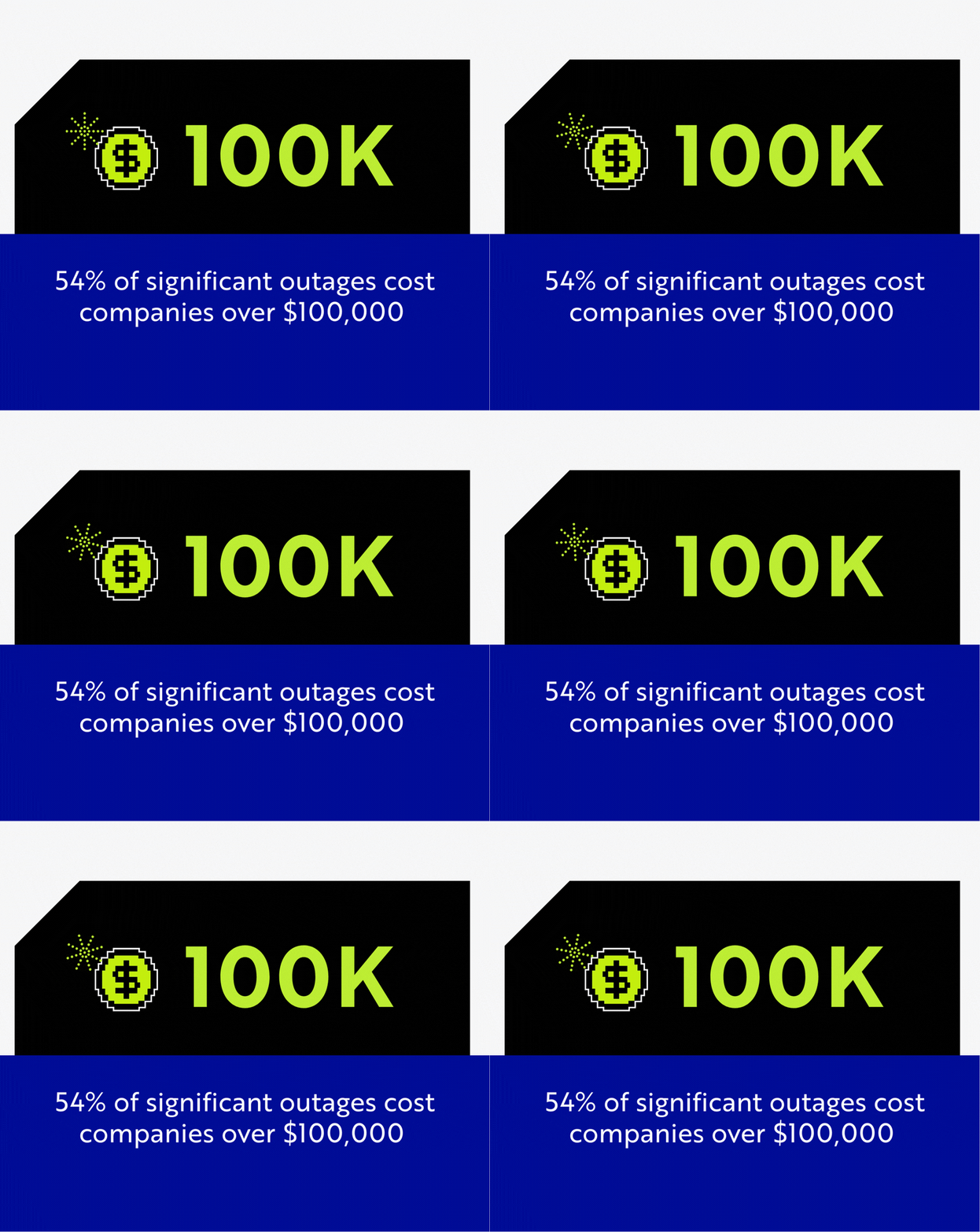
This exercise is vital because leaders routinely underestimate the blast radius of downtime. According to the Uptime Institute, 54% of significant outages cost companies over $100,000, and 16% exceed $1 million.
Who’s on Call at 2:00 AM?
Finally, assess your internal capabilities honestly. A cloud environment still requires ownership. Do you have specialized skills in-house for identity management, security monitoring, and cloud billing? More importantly, who is on call when something breaks at 2:00 a.m.?
Most small to mid-sized businesses operate with lean IT departments. They are great at daily support but lack enterprise-level cloud experience.
Step 2: Choose the Right Cloud Model
There is no universal, one-size-fits-all answer for selecting the right cloud model for your business.
The Public Cloud: Scale Within Minutes
Public clouds, like Microsoft Azure and Google Cloud, offer fast scalability and flexible pricing. You share the underlying infrastructure, but your workloads and data stay isolated and protected.
This makes the public cloud perfect for everyday business tools. The cloud's ultimate flexibility also explains why Gartner predicts that by 2027, more than 70% of organizations will accelerate business initiatives using cloud platforms. If your company lands a massive new client and needs to scale capacity quickly, the public cloud lets you add resources in minutes instead of buying new hardware.
The Private Cloud: Dedicated Infrastructure for High-Stakes Workloads
Private cloud environments dedicate physical hardware to a single organization. This infrastructure can live in a highly secure third-party data center or on-premises. Private clouds are ideal for organizations with extreme compliance mandates or those running heavy industrial machinery that requires sub-millisecond response times.
Hybrid Cloud Strategy: The Pragmatic Middle Ground
Business leaders often hear cloud vs. on-prem like it’s a binary choice. In practice, most organizations land in the middle because a hybrid cloud strategy delivers the best of both worlds.
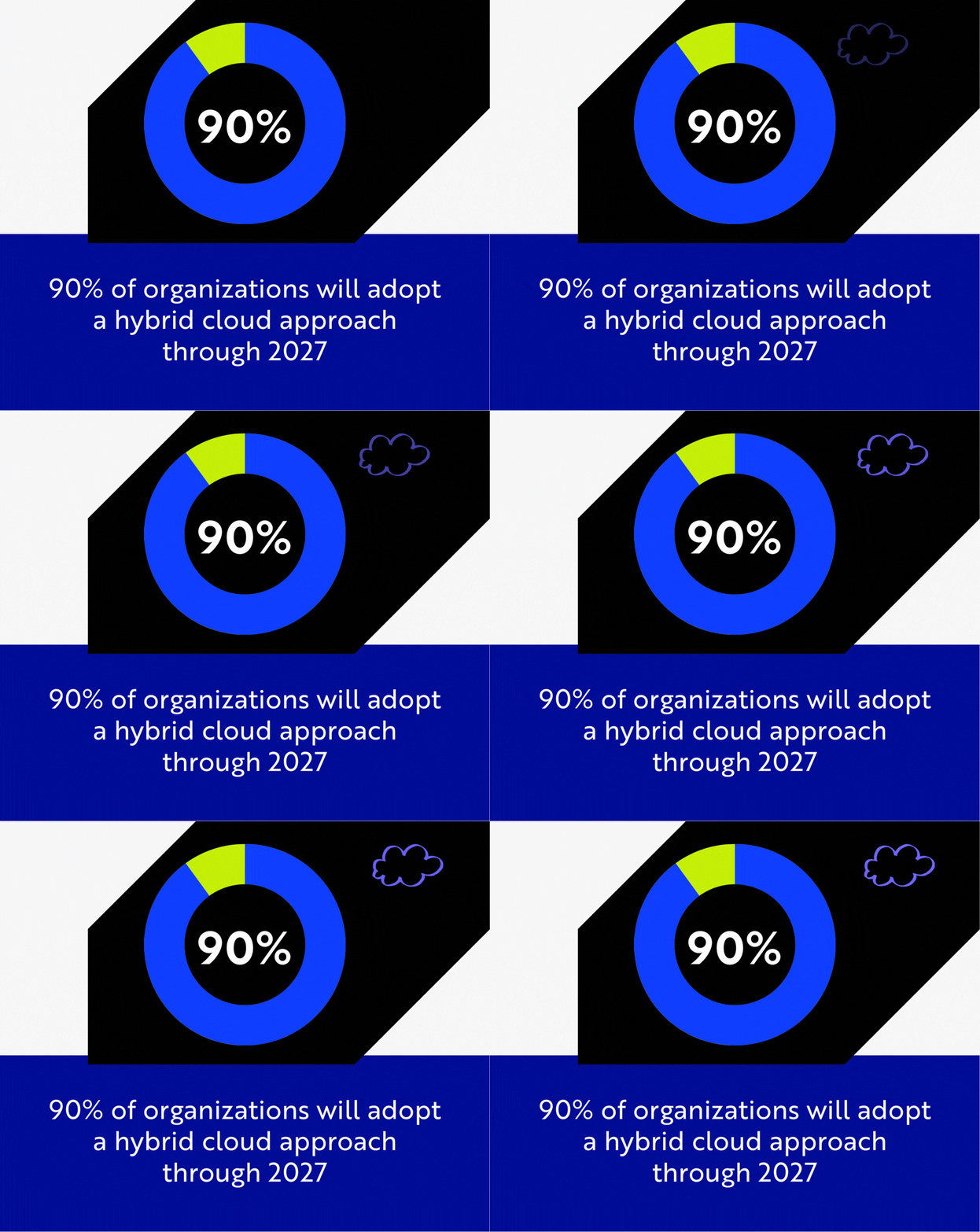
This explains why 90% of organizations will adopt a hybrid cloud approach through 2027, according to Gartner. In a hybrid model, you might keep a massive, legacy CAD file server on a local private cloud for raw speed. At the same time, you move your email, collaboration software, and disaster recovery backups live in the public cloud for infinite accessibility.
Step 3: Build Your Security and Compliance Foundation
In the old days of on-premises IT, security was like a castle. You built a strong firewall around the office, and you trusted everything inside.
The transition to the cloud destroys that perimeter. When employees access company data remotely from everywhere but the office, a traditional firewall is practically useless. This is why you cannot bolt security and compliance onto a cloud environment after the migration. They must form the foundation.
Identity is the New Perimeter
Building this foundation starts with a zero trust framework. In the cloud, the perimeter is the user's identity.
Comprehensive security requires strict access controls, end-to-end encryption, and mandatory MFA implementation. A recent report found that 83% of organizations adopting zero trust reduced security incidents, lowering their remediation and support costs.
Cloud Compliance Requirements: Avoid the Audit Scramble
Compliance with industry regulations is non-negotiable. Whether you deal with HIPAA in healthcare, GDPR for global data, or CMMC for defense contracting, your environment must be compliant from day one.
This means configuring data retention policies and establishing immutable audit logs before you move any files. When you build compliance into the foundation, passing future regulatory audits becomes an automated byproduct of your system instead of a stressful scramble.
Step 4: Migrate in Waves
Once you have your cloud security posture management (CSPM) plan in place, the actual cloud migration can begin. However, you don’t want to take yesterday’s clutter into a new environment. Integrating cloud solutions with existing systems takes careful sequencing, cleanup, and validation, so you don’t take the business offline.
Avoid the Big Bang Cutover
A common mistake is attempting to move the entire company to the cloud over a single weekend. This “big bang” approach leaves no room for testing or course correction. If one foundational error occurs, your entire business goes dark on Monday morning.
Your Cloud Bill Depends on Clean Up
Instead, migrations must happen in strategic waves, starting with low-risk workloads first like email and file storage. This provides immediate value, validates the new security protocols, and gets your team comfortable with the cloud without risking core financial databases.
A phased approach is also where most of the important migration work actually happens: cleanup. Many growing businesses carry zombie applications, unused licenses, duplicated file shares, and brittle integrations that no one wants to touch.
Cloud migration is an opportunity to simplify. The cleaner the environment before you move it, the smoother the migration and the lower the cloud bill afterward.
Map Dependencies Before You Move Anything
Applications and databases often rely on each other. If you move a core database to the cloud but leave the application that reads it on a local office server, the resulting lag will make the software unusable.
Expert integration requires mapping these dependencies carefully. Establishing secure, dedicated connections between your local office and the cloud ensures that your remaining on-prem applications can communicate with your new cloud databases instantly and securely.
Data Migration Best Practices: Four Checks for Every Phase
The cloud isn’t what derails most migrations. It’s usually unverified data.
You have to build data integrity into every wave. At a minimum, every migration wave should include:
Leaders want to reduce the IT burden. That only happens when you approach a cloud migration with careful planning, cleanup, and verification.
Step 5: Operate, Optimize, and Govern Continuously
A huge misconception is that cloud migration is the finish line. The day the migration ends is simply day one of your new environment. Cloud requires continuous optimization to maximize your financial return.
Controlling Cloud Sprawl
Cloud environments are highly elastic and easy to use. While this is great for agility, it introduces cloud sprawl. Without proper governance, IT staff can easily spin up high-powered servers for a temporary project and forget to turn them off, quietly draining your budget.
Cloud spend management also requires strict technical guardrails. Implementing automated cloud budgeting alerts catches anomalous spending immediately. You can even use automation for rightsizing cloud resources. For example, you can shut down development servers at 6:00 PM on Friday and turn them back on at 8:00 AM on Monday to reduce computing costs.
The Real Work Begins with Security Monitoring
Simultaneously, security remains a daily priority. Cloud environments must be governed by automated patching schedules that protect your infrastructure against emerging threats. Conducting periodic security assessments and tweaking administrative access ensures your business stays protected long after the initial migration is complete.
The Case for an IT Outsourcing Strategy
Implementing cloud solutions is a major business change. It takes strategic planning, specialized architecture, and daily governance. It is not a project you can hand off to a busy internal IT manager. For most small businesses, an IT outsourcing strategy makes the work manageable and reduces risk.
Let The Experts Carry the Load
Collaborating with a managed IT services partner ensures that your cloud initiatives align with your business goals from the beginning. Most importantly, a managed partner acts as your guide, handling continuous post-migration governance and taking over cost optimization, security monitoring, and patching.
Cloud Implementation Checklist for Business Owners
Here’s the quick checklist to keep your cloud rollout on track.
Step 1: Define outcomes and readiness
- List the top 10 systems that run the business (ERP, email, POS, finance, scheduling).
- Define uptime targets and recovery targets (what can’t go down, and for how long).
- Confirm who owns decision-making and who owns execution.
- Identify skill gaps (identity, monitoring, cloud billing, backups, incident response).
Step 2: Choose the right cloud model
- Decide public, private, or hybrid based on workloads.
- Flag any apps that are latency-sensitive or tied to on-site equipment.
- Compare vendors on security features, support, reliability options, and cost transparency.
Step 3: Pour your security and compliance foundation
- Lock down identity (MFA, least privilege, role-based access).
- Turn on logging and monitoring (centralized visibility, real alerts, clear escalation).
- Confirm compliance requirements (data retention, access auditing, vendor controls).
- Document a backup and disaster recovery plan (RTO/RPO, restore testing).
Step 4: Migrate in waves
- Run a quick application portfolio review to decide if you rehost, refactor, replace, retire.
- Do the cleanup: remove zombie apps, unused licenses, and brittle integrations.
- Map dependencies so you don’t create lag or broken workflows.
- Start with low-risk Wave 1 (email, file storage, collaboration) before core systems.
Step 5: Operate and optimize continuously
- Set budgets, alerts, and ownership so cloud costs stay predictable.
- Review usage monthly and right-size what you’re paying for.
- Schedule routine security reviews (access reviews, patching, posture checks).
- Keep refining to improve performance, cost, and risk each quarter.
- Compare managed IT services providers if you need more coverage.
Get Cloud Benefits Without the Cloud Burden
Cloud adoption can look simple on paper, but downtime, security gaps, and surprise spend can hit fast.
CompassMSP helps small and mid-sized business leaders take a structured approach to cloud readiness and migration. We help you evaluate what should move (and what shouldn’t), put security and cost guardrails in place, migrate in waves, and then manage and optimize the environment so your team doesn’t have to.
If you’re ready to modernize without creating new chaos, connect with the CompassMSP team to map the right strategy for your environment, goals, and budget.

Paul Breitenbach
With nearly 20 years of experience designing enterprise-grade IT solutions, Paul specializes in supporting organizations that cannot afford downtime. Before becoming our CIO, he served as CIO of WorldwideIT, a Compass company, where he led large-scale infrastructure, cloud, and security initiatives for highly regulated industries.