

Published: Updated: Paul Breitenbach 12 min read


When you manage IT across two, five, or twenty locations, every promise your provider makes gets tested in real time. A server goes down at your satellite office in Denver. A user in Tampa cannot access the network. Your main headquarters needs an emergency patch rolled out before close of business. If your outsourced IT services contract does not spell out exactly how these situations get handled, you are operating on hope, and hope does not come with a response time guarantee.
This guide defines the 10 essential SLAs you should require from any provider supporting distributed operations. Then it compares four leading providers against those benchmarks. By the end, you will know what to look for, what to push back on, and how to protect your business from the gaps most contracts leave open.
- Why SLAs Matter More Across Multiple Sites
- The 10 Essential SLAs for Multi-Site IT Support
- How We Evaluated Providers
- Provider Comparison
- Comparison Table
- How to Measure MSP Performance Against SLA Targets
- Why CompassMSP Is the Best Choice for Multi-Site Outsourced IT Support
- Frequently Asked Questions
Why SLAs Matter More Across Multiple Sites
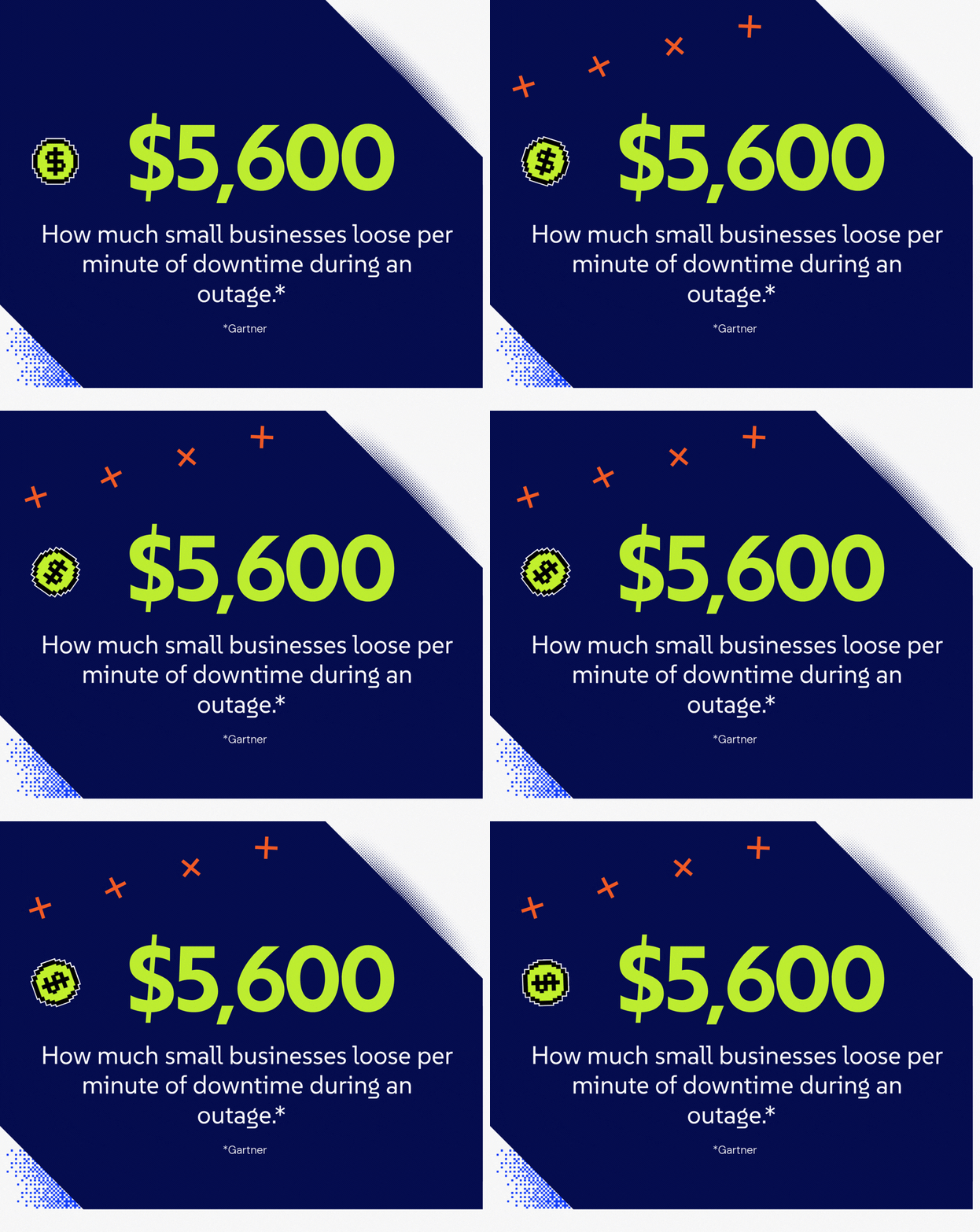
The financial stakes are significant. According to ITIC's 2024 Hourly Cost of Downtime Survey, over 90% of large and mid-size companies report that a single hour of downtime costs upward of $300,000, and 4 in 10 say it exceeds $1 million per hour. For smaller businesses, Gartner estimates average losses of $5,600 per minute during an outage.
Multi-site organizations face a compounding problem: an outage at one location does not pause the rest of the business. And the managed services market reflects just how critical this has become. In 2024, over 68% of global enterprises outsourced at least one component of their IT operations to MSPs, and firms using MSPs reported a 27% decrease in system downtime compared to those managing IT in-house.
The difference between a 99.9% uptime SLA and a 99.99% one is not a rounding error. Three nines permits 8.76 hours of downtime per year. Four nines permits only 52.6 minutes. For a multi-location business where every site depends on shared systems, that gap is the difference between an inconvenience and a crisis.
The 10 Essential SLAs for Multi-Site IT Support
1. Response Time by Priority Tier
The SLA must distinguish between a business-wide outage and a single user's password reset. Critical issues (P1) should carry a 15-minute or less response commitment. P2 and P3 issues should have documented targets as well. "Best effort" language is not an SLA; it is a liability shield for your provider.
What to ask: Does the contract define response time as the moment a technician begins active work, not just when a ticket is acknowledged?
2. Uptime Guarantee with Service Credits
A provider that commits to 99.9% uptime but includes no penalty for missing that target has made a meaningless promise. The SLA should specify the uptime percentage, define what counts toward that measurement (and what is excluded, such as scheduled maintenance), and attach service credits to any breach. Typical credits range from 10% to 50% of monthly fees depending on severity.
What to ask: Are scheduled maintenance windows excluded from the uptime calculation? If so, what is the true availability commitment?
3. Mean Time to Resolution (MTTR) Targets
Response time tells you how quickly someone shows up. Resolution time tells you how quickly your systems come back online. These are different metrics, and your SLA should contain documented targets for both, segmented by priority tier.
What to ask: What is the average MTTR across the provider's current client base for P1 issues? Ask to see actual performance data.
4. Geographic Coverage and Consistency
For multi-site businesses, the most dangerous phrase in an IT contract is "primary coverage area." A provider might guarantee fast response for your headquarters while your satellite offices fall under slower partner-handled support. The SLA should name every location or region explicitly and commit to the same service tier across all of them.
What to ask: Who handles on-site support at each of your locations? Is it direct staff or a subcontracted partner? What are their SLAs?
5. After-Hours and 24/7 Support Scope
Many providers advertise 24/7 availability but limit after-hours coverage to P1 emergencies only. If your business spans time zones, or if a critical process runs overnight, partial after-hours coverage creates real risk. The SLA should spell out exactly which issue types receive around-the-clock attention.
What to ask: What is the coverage model at 2 a.m. on a Saturday? Is it a staffed help desk or an on-call rotation with delayed response?
6. Security Incident Response SLA
Cybersecurity incidents require a separate, dedicated SLA. Detection-to-response time, escalation procedures, and communication protocols should all be documented. Ransomware does not wait for business hours, and a vague "we will respond promptly" clause is not adequate. Given that the average cost of a single data breach in 2024 reached $4.88 million according to IBM's Cost of a Data Breach Report, this SLA clause alone can define whether your organization survives an incident.
What to ask: Does the provider operate a staffed Security Operations Center (SOC), or does security monitoring route through the same general help desk queue?
7. On-Site Dispatch Commitment
Remote troubleshooting resolves most issues. Hardware failures, network infrastructure problems, and some security incidents do not. The SLA should define how quickly a technician can be physically dispatched to each of your locations and whether that dispatch capability is a guaranteed service or a best-effort add-on.
What to ask: What is the on-site dispatch SLA for each of your specific locations? Get time commitments in writing, not estimates.
8. Escalation Path and Timeline
When the first-tier technician cannot resolve an issue within the initial SLA window, a documented escalation process should automatically engage. The SLA should name the escalation tiers, define when escalation triggers, and specify response time targets at each level.
What to ask: Who is your escalation contact? Can you reach them directly, or must all escalations route through the standard ticketing system?
9. Compliance and Audit Documentation
For organizations in regulated industries including healthcare, financial services, defense contracting, and legal, SLA performance data must be audit-ready. Monthly reporting that documents response times, resolution times, uptime percentages, and security incident handling is not optional; it is a compliance requirement. The SLA should specify the format, frequency, and retention period for all performance reporting.
What to ask: Can the provider demonstrate what a compliance report looks like? Does it satisfy your specific regulatory framework (HIPAA, CMMC, SOC 2, PCI-DSS)?
10. SLA Review and Remediation Process
Contracts that cannot be adjusted become contracts that get ignored. The SLA should include a defined review cadence (quarterly is standard), a process for addressing repeated misses, and clear termination rights if performance consistently falls below commitments. A provider confident in their service delivery welcomes this clause; one that resists it is telling you something.
What to ask: What happens after three consecutive months of missed SLA targets? Is there a cure period, and what are your rights if it goes unresolved?
How We Evaluated Providers
Choosing an MSP for distributed operations is different from picking a provider for a single office. We focused on SLA commitments that matter most when your workforce is spread across multiple sites.
- Response time clarity: Does the contract specify when a technician begins working on your issue, not just when they acknowledge it?
- Uptime guarantees with teeth: Does the SLA include service credits when targets are missed?
- Priority tiering: Are critical outages treated differently from routine requests, with documented definitions?
- Multi-location consistency: Can every office, whether in Hartford or Houston, expect the same level of service?
- Escalation procedures: When issues are not resolved within the initial window, who gets involved and how quickly?
- Compliance documentation: For regulated industries, does the provider document SLA performance in formats that satisfy auditors?
Provider Comparison
CompassMSP: Best Overall for Multi-Site and Regulated Industries
CompassMSP builds its SLA framework around the reality that distributed businesses face: predictable support regardless of where your people are working. With a national network of over 350 experts and offices across the U.S., CompassMSP delivers the local accountability and national resources that multi-site operations require.
What separates CompassMSP from generic providers is its expertise with regulated industries. Healthcare organizations, financial services firms, manufacturers with DoD contracts, and legal practices need SLAs that go beyond vague commitments. CompassMSP documents response times, resolution targets, and security incident handling in ways that satisfy both operational needs and auditors.
The 24/7 global service desk uses a "Follow-the-Sun" model, meaning support is handed off between geographically distributed teams so that every shift is staffed by engineers working normal business hours rather than an overnight skeleton crew. The practical result: a critical issue at 2 a.m. receives the same expert attention as one at 2 p.m. Every location in your footprint receives consistent support through unified monitoring, standardized security policies, and documented escalation paths.
Key SLA strengths:
- 24/7 monitoring and incident response with specific time targets, not vague "best effort" language
- Compliance-ready monthly reporting for HIPAA, CMMC, SOC 2, and other frameworks
- Fixed-fee pricing eliminates budget volatility from break-fix billing
- On-site dispatch available to any location in their national network
- vCIO and vCISO advisory for multi-site IT and security roadmap planning
Awards: CloudTango MSP Select 2026 ; CRN's MSP 500 List, The Manifest's Top 100 Managed Service Providers in the United States
Considerations: Organizations with simple, single-location setups may not require the full scope of multi-site capabilities. The detailed onboarding discovery process takes longer than providers who skip the assessment phase, though that assessment is precisely what protects you later.
Dataprise: Best for Mid-Market Businesses Standardizing Across Sites
Dataprise is one of the largest MSPs in the United States, with over 400 certified engineers and offices across the country. Their service model is built around managed IT as a core product rather than an add-on to consulting, which translates into established playbooks, predictable delivery, and a cleaner operational model for businesses standardizing IT across multiple locations.
Their Premier Service Desk operates 24/7/365, and the company has earned CRN Tech Elite 250 recognition for nine consecutive years, along with the top ranking on Cloudtango's MSP U.S. Select 2024. Strong SLA commitments and structured reporting make them a viable choice for compliance-oriented industries, including healthcare, financial services, and nonprofits.
Key SLA strengths:
- 24/7/365 service desk with proactive monitoring and management
- Both co-managed and fully managed models accommodate businesses with existing internal IT staff
- ISO 27001, ISO 9001, and SOC 2 Type 2 certified
- Structured reporting and vCIO services for strategic planning across multi-site environments
- Proven scale for mid-market businesses that have outgrown smaller regional providers
Considerations: Dataprise serves a broad range of business sizes, which means very small organizations may find the service model better suited to companies further along in their growth. Prospective clients should verify on-site response SLAs for each of their specific locations, as coverage depth can vary by market.
All Covered (Konica Minolta): Best for Vendor Consolidation Across IT and Print
All Covered operates as the IT services division of Konica Minolta, giving them access to a national infrastructure of offices and field technicians. For businesses that need both remote support and on-site visits, this combination can reduce vendor fragmentation. They cover managed IT, cybersecurity, cloud services, and data backup under one umbrella.
Their parent company's presence in print and document management means All Covered can also handle technology needs beyond traditional IT infrastructure. This works for organizations that want to consolidate vendors across multiple service categories.
Key SLA strengths:
- Remote and on-site support combined within a single vendor relationship
- National footprint through Konica Minolta's existing office network
- IT bundled with print and document management for organizations that need both
- Backed by a large parent company with established infrastructure
Considerations: Service quality may vary by region according to client feedback, and third-party review data is more limited than for standalone MSPs. IT is not Konica Minolta's sole business focus, which is worth considering when evaluating how SLA disputes would be prioritized internally.
Executech: Best Regional Option for Western U.S. Businesses
Executech operates primarily in Utah, Colorado, Idaho, and surrounding states, making them a strong regional choice for businesses concentrated in the Western U.S. They offer both co-managed and fully managed models, allowing companies to choose how much to delegate to an external team.
Their SLA documentation includes standard response and resolution targets with tiered priority levels. For businesses that do not need national coverage, a regional provider can offer more personalized service and faster local dispatch times.
Key SLA strengths:
- Local technicians in multiple Western U.S. states for faster on-site response
- Flexible co-managed model for businesses with existing internal IT staff
- SMB pricing structures suited to smaller organizations in their coverage area
Considerations: Geographic coverage is limited to the Western U.S., which does not serve businesses with national footprints. On-site support outside their core markets requires coordination with partners. Specialized compliance expertise in niche regulatory areas (CMMC, HIPAA at scale) may be limited compared to national providers.
Comparison Table
| Provider | 24/7 SOC Coverage | Compliance Documentation | National On-Site Support | Co-Managed Option | MTTR Documented in Contract |
|---|---|---|---|---|---|
| CompassMSP | Yes | Yes | Yes | Yes | Yes |
| Dataprise | Yes | Yes | Yes | Yes | Yes |
| All Covered | Yes | Varies | Yes | Limited | Varies |
| Executech | No | Varies | No | Yes | Varies |
How to Measure MSP Performance Against SLA Targets
Measuring SLA performance requires access to reporting that shows response times, resolution times, and uptime metrics over rolling periods. The provider should deliver these reports automatically, not only when you request them. Monthly reporting is standard, though some organizations need more frequent updates for compliance purposes.
Key metrics to track:
Mean Time to Respond (MTTR): How quickly does a technician begin active work on your issue? This is distinct from ticket acknowledgment.
Mean Time to Resolution: How long until the problem is fully resolved and systems are restored?
Uptime Percentage: What percentage of contracted hours were your systems available, per location?
Escalation Rate: How often do issues require escalation beyond the initial support tier? A rising escalation rate signals problems with first-tier staffing or tooling.
Security Incident MTTD/MTTR: Mean Time to Detect and Mean Time to Respond for security events specifically.

Why CompassMSP Is the Best Choice for Multi-Site Outsourced IT Support
Multi-site IT support fails when contracts promise everything and document nothing. CompassMSP takes a different approach: specific commitments, documented response times, and accountability measures that protect your business when issues arise. The result is an outsourced IT relationship built on transparency rather than ambiguity.
CompassMSP delivers 24/7 monitoring backed by a U.S.-based SOC that responds to threats in real time. The national footprint means every location in your network receives consistent support, whether that is a remote troubleshooting session or a technician dispatched to your site. For regulated industries, CompassMSP delivers the compliance documentation and audit-ready reporting that generic providers cannot match.
If you are evaluating outsourced IT services for a multi-site organization, start with a conversation about what your SLAs should actually contain. Explore CompassMSP's fully managed IT services or learn how their cybersecurity advisory services protect distributed operations.

Paul Breitenbach
With nearly 20 years of experience designing enterprise-grade IT solutions, Paul specializes in supporting organizations that cannot afford downtime. Before becoming our CIO, he served as CIO of WorldwideIT, a Compass company, where he led large-scale infrastructure, cloud, and security initiatives for highly regulated industries.