

Published: Updated: Richard Mendoza 23 min read


Most business leaders operate under a dangerous assumption. They believe their "backup guy" has them covered. They assume that if a server crashes, a natural disaster hits, or a hacker locks their files, the IT department will simply "fix it," and business will continue as usual.
The data suggests otherwise.
For small businesses (those with fewer than 500 employees), the average cost of a data breach has reached $3.31 million according the IBM Cost of a Data Breach Report. That is an impact few companies can absorb without a plan.
The problem isn't usually a lack of technology; it's a lack of strategy.
The NIST Cybersecurity Framework, the gold standard for managing cyber risk, distinguishes clearly between the "Respond" function (stopping the attack) and the "Recover" function (restoring the business). The Recover function highlights a critical gap in many corporate strategies: the confusion between Disaster Recovery (DR) and Business Continuity (BC).
To a non-technical leader, these terms might sound synonymous. They are not. One fixes your systems. The other saves your profits.
The NIST Framework is built on six core functions: Govern, Identify, Protect, Detect, Respond, and Recover.
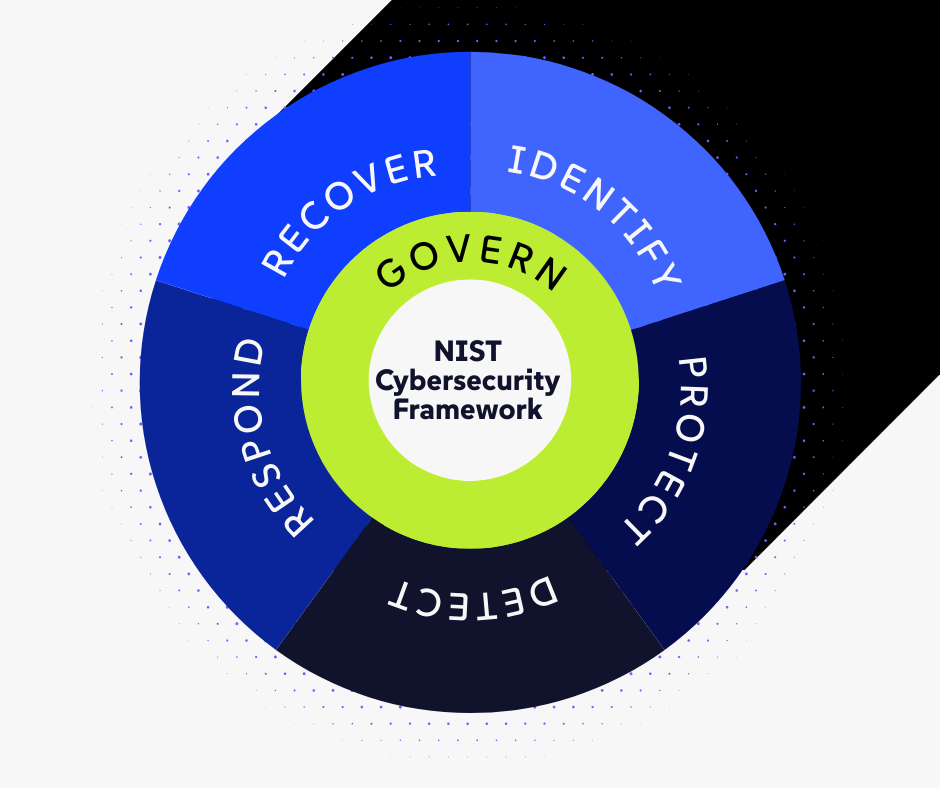
While the first five focus on preventing or containing an attack, Recover is unique. It accepts the reality that incidents will happen. It focuses on resilience. It asks the hard question: When the walls fall down, how do we keep working while we rebuild them?
Disaster Recovery (DR): The Technical Fix
Business Continuity (BC): The Strategic Survival Plan
At a Glance: The CFO’s Cheat Sheet
The 24-Day Reality Check: A Tale of Two Companies
Why "Recover" Matters to the CFO
Three Hard Questions to Ask Your IT Leader
Why You Need Both Technical Recovery and Business Continuity
Frequently Asked Questions: NIST Recover Function
Disaster Recovery: The Technical Fix
Disaster Recovery (DR) is the domain of the IT department. It is a subset of your overall security strategy that focuses specifically on your data and your IT infrastructure.
DR answers technical questions:
- Can we restore the server from the cloud?
- Did the backup finish successfully last night?
- How many hours until email is functioning again?
- Is the data corrupted?
- Are the most critical systems part of the plan?
Your IT team or Managed Service Provider (MSP) owns this process. They focus on protecting your data integrity and verifying that backups are functional.
The Metrics of DR: RTO and RPO
To understand DR, a CFO needs to understand two technical acronyms that directly impact the bottom line:
- Recovery Time Objective (RTO): This is your "downtime tolerance." It answers: How much time can pass before we must be up and running again? If your RTO is 4 hours, but your IT team needs 4 days to rebuild the server, you have a business-ending gap.
- Recovery Point Objective (RPO): This is your "data loss tolerance." It answers: How much data can we afford to lose? If you only back up once every 24 hours, you could lose an entire day's worth of transactions.
While essential, DR is limited. It is purely mechanical. A restored server does not automatically mean your business is operational.
Business Continuity (BC): The Strategic Survival Plan
Business Continuity (BC) is bigger than IT. It is about operations. It asks how your company generates revenue, serves customers, and pays employees while the technology is broken.
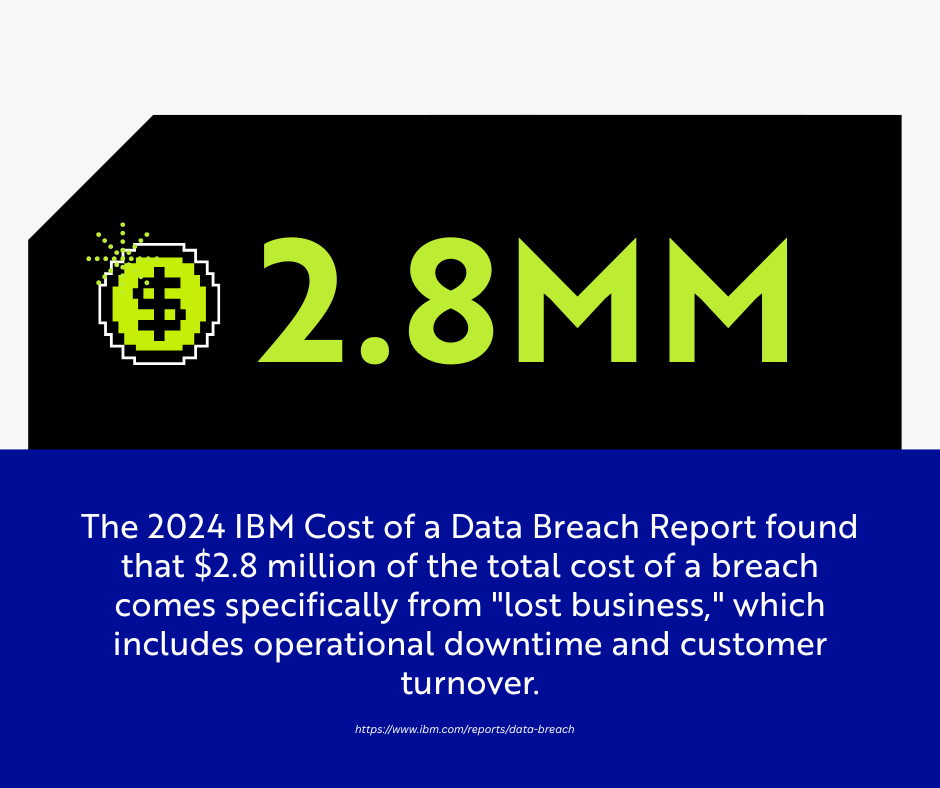
This distinction is financial, not just technical. The 2024 IBM Cost of a Data Breach Report found that $2.8 million of the total cost of a breach comes specifically from "lost business," which includes operational downtime and customer turnover.
Consider a ransomware attack. Your IT team initiates the Respond phase to contain the threat. They isolate the infected servers and begin the long process of scrubbing and restoring them.
But what does the rest of the company do during those days or weeks?
- Identify which manual processes can replace digital ones.
- How does sales close deals without access to the CRM (Salesforce/HubSpot)?
- How does accounting send invoices without the billing system?
- How does HR process payroll if the digital time clocks are offline?
The Role of the vCISO
This is where a vCISO (Virtual Chief Information Security Officer) brings value. They look at the problem through a financial lens. They ensure you have a plan to maintain cash flow during a disruption.
At a Glance: The CFO’s Cheat Sheet
|
Feature |
Disaster Recovery (DR) |
Business Continuity (BC) |
|
The Focus |
Data & Hardware: Getting the servers running again. |
Operations & Revenue: Keeping the business profitable while servers are down. |
|
Who Owns It? |
IT Department / MSP: Technical experts. |
C-Suite / vCISO: Strategic leaders. |
|
The Goal |
Restore files and applications to their pre-accident state. |
Maintain cash flow, customer trust, and brand reputation. |
|
The Timeline |
Hours to Days (Time to Restore). |
Days to Weeks (Survival Duration). |
|
Key Metric |
RTO/RPO: How fast can we get data back? |
MTDL: Maximum Tolerable Downtime Limit. |
The 24-Day Reality Check: A Tale of Two Companies
The NIST framework places Recover at the end of the cycle, but it informs everything else. You need to understand the timeline. Ransomware attacks, for instance, can cause an average of 24 days of downtime.
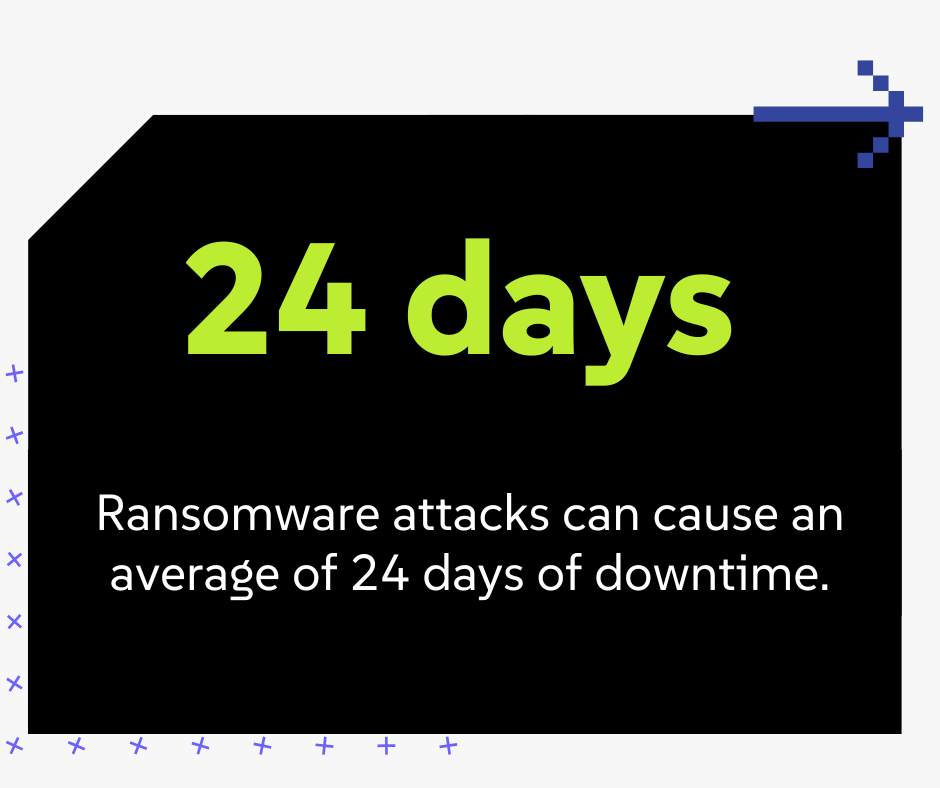
Twenty-four days is nearly a month of business. Here is what that gap looks like for two different companies:
Company A (Only has Disaster Recovery)
- Day 1: The attack hits. IT shuts down the network. Employees are sent home because "the system is down."
- Day 5: IT is still scrubbing servers. Customers call to place orders, but no one answers because the VoIP phones ran through the network.
- Day 12: A major client cancels their contract because they haven't received their shipment. The warehouse team couldn't print shipping labels.
- Day 24: IT finally restores the system. The data is back, but the company has lost a month of revenue, missed payroll, and suffered irreparable damage that will last for years.
Company B (Has DR + Business Continuity)
- Day 1: The attack hits. IT shuts down the network. The COO activates the Business Continuity Plan.
- Day 2: The finance team switches to a pre-planned manual invoicing protocol using cellular hotspots and encrypted laptops reserved for emergencies.
- Day 5: Sales teams use printed price lists and personal mobile devices (authorized by the BCP) to take orders.
- Day 12: The warehouse switches to a paper-based pick-and-pack system practiced during quarterly drills. Shipments go out, perhaps slower than usual, but they go out.
- Day 24: IT restores the system. The administrative team spends a few days entering the manual data back into the system. The company lost efficiency, but they did not lose their business.
Why "Recover" Matters to the CFO
You need to understand the timeline. You need a continuity plan to bridge that gap because you cannot simply wait three weeks for IT to "fix it."
You can calculate the potential cost of a ransomware attack on your business with our cybersecurity calculator.
For the CFO or COO, distinguishing between DR and BC is the key to effective budgeting.
Disaster Recovery is an Operational Expense: You pay for storage, cloud backups, and redundant servers. It is the cost of doing business.
Business Continuity is Strategic Insurance: You pay for the planning, the vCISO consultation, and the employee training to ensure the company survives a catastrophic event.
Calculate Your Risk: Use our Cybersecurity Calculator to estimate the potential cost of a ransomware attack on your specific business size.
Three Hard Questions to Ask Your IT Leader
Don't just accept "we have backups" as an answer. Schedule a meeting with your IT leader or MSP and ask these three questions to test your resilience:
1. "If our email and main server are down for 14 days, exactly how will we bill our customers?"
(If the answer is "we'll wait for the server," you have a BC gap.)
2. "Have we ever tested our backup plan to see how long a full restore actually takes?"
(Backups often fail during the restore process. If you haven't tested it, you don't have a backup; you have a hope.)
3. "Do our employees know what to do manually if the internet is cut off?"
(Resilience is a culture. Your staff needs to know the analog workarounds.)
You Need Both Technical Recovery and Business Continuity Strategies
You cannot choose between them. You need technical recovery to restore your tools. You need business continuity to survive the wait.
Review your current strategy. Does it only talk about backups? Or does it explain how your business stays open?
Ensure your plan covers both. The Govern [Link to "Govern" article] function reminds us that leadership must align these security measures with business goals. Don't just ask if the data is safe. Ask how the business keeps moving.
Do you have a plan for your technology and your business operations? We can help you review your strategy. Contact us to schedule a consultation.

Richard Mendoza
Richard is the Director of vCISO services with CompassMSP. He has over twenty-five years of experience as an Information Security professional with hands-on experience in engineering process and information security, and IT audit disciplines. With a wide-ranging knowledge as a Systems Engineer, Information Security Officer, and Senior Auditor, Richard has expertise in managing internal and external audits focused on reducing overall risk exposure and infrastructure redundancy for organizations.